New release
Build tonight’s workout before you leave your desk
Pick the moves, set the weights, put it on your calendar. It’s waiting on your Gym Monster when you get home.
Manik · · 3 min read
The best time to plan a session is when you aren’t standing in front of the machine, sweating and scrolling.
The new workout builder lets you do it from a laptop or phone. The workout saves to your Speediance account.
Three steps
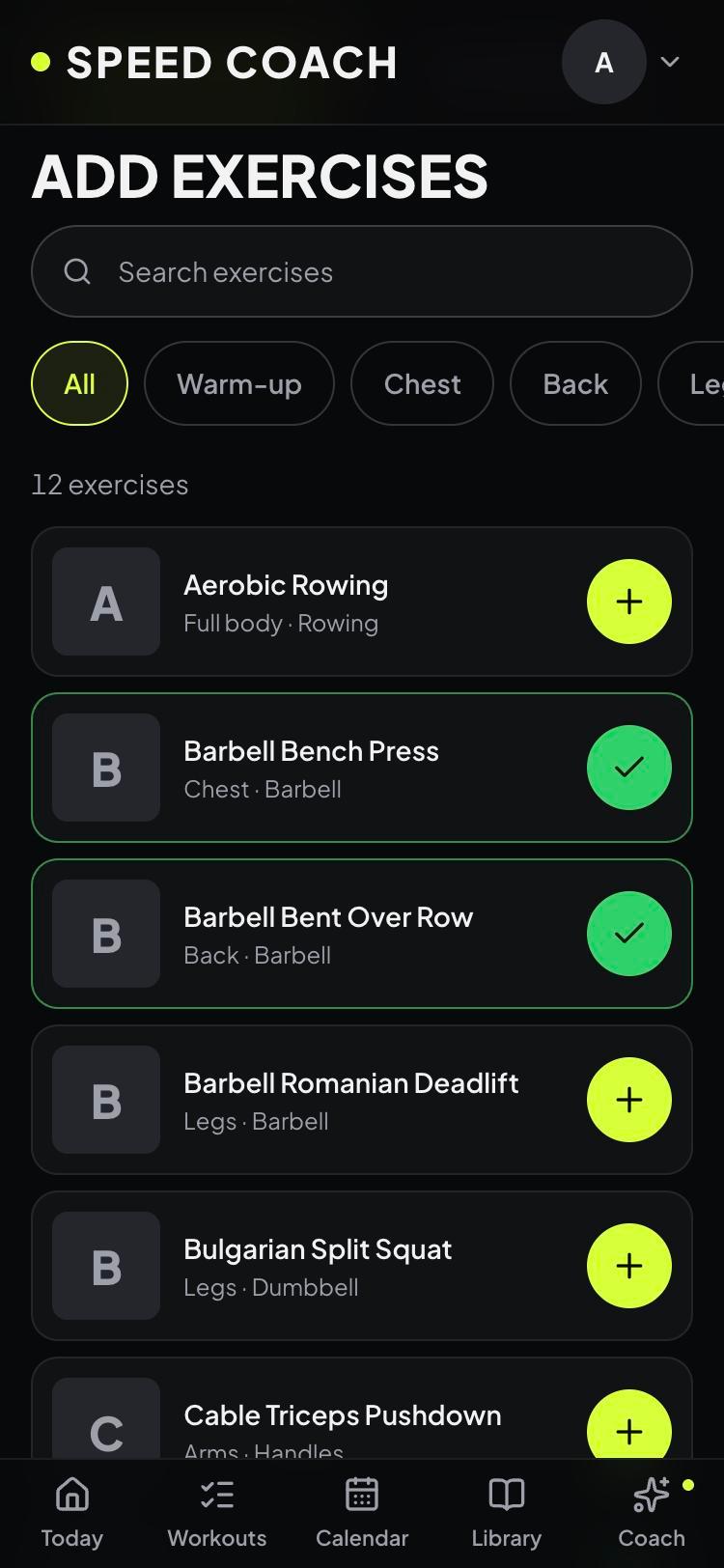
- Pick. Search the library or filter by muscle, then press plus.
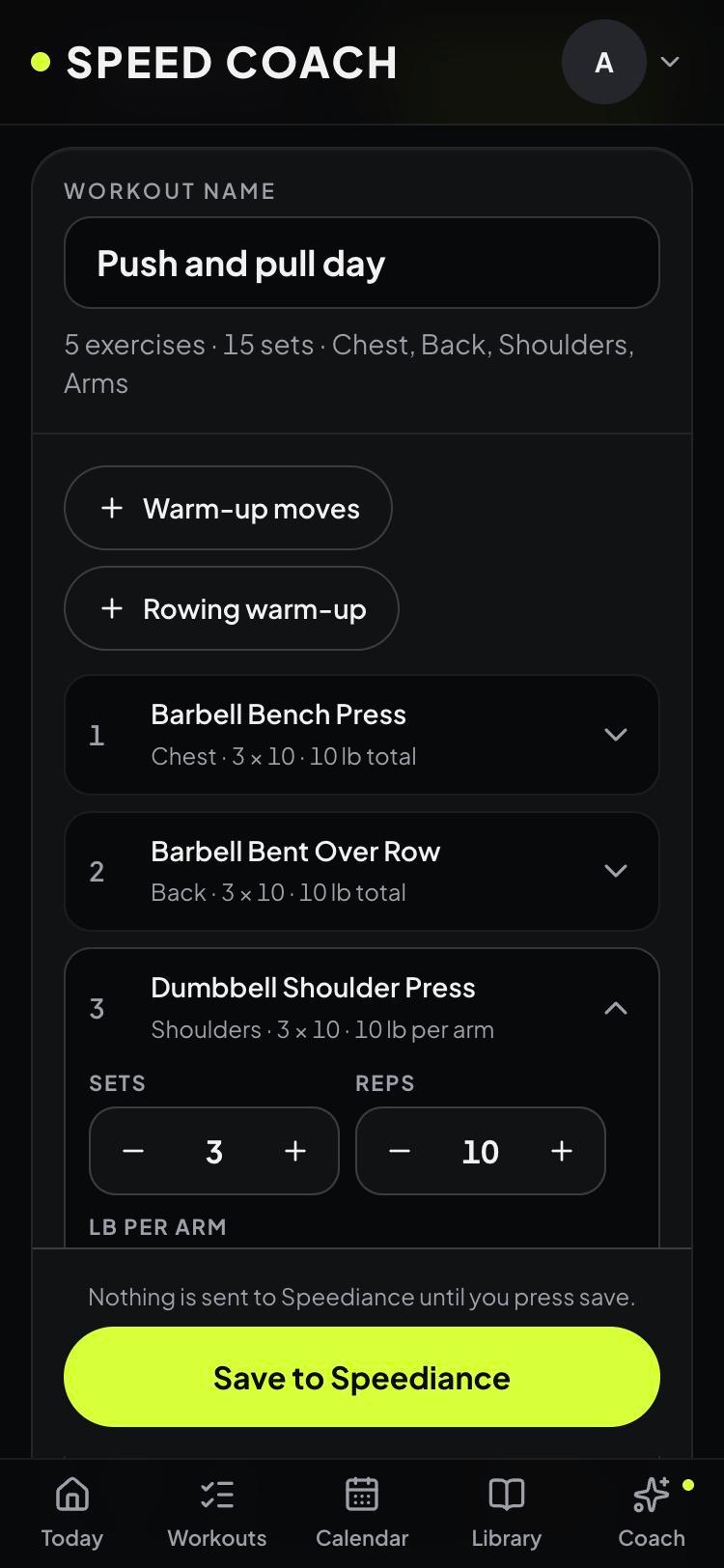
- Set. Choose sets, reps and weight. One exercise opens at a time, so long workouts stay tidy.
- Save. Speed Coach reads the workout back to check it arrived.
The details you’ll like
- Add warm-up moves, rowing or a half-weight first set.
- Copy a workout from an official program and make it yours.
- Undo a removal with one tap.
- Up to 40 exercises in a workout.
Then give it a day
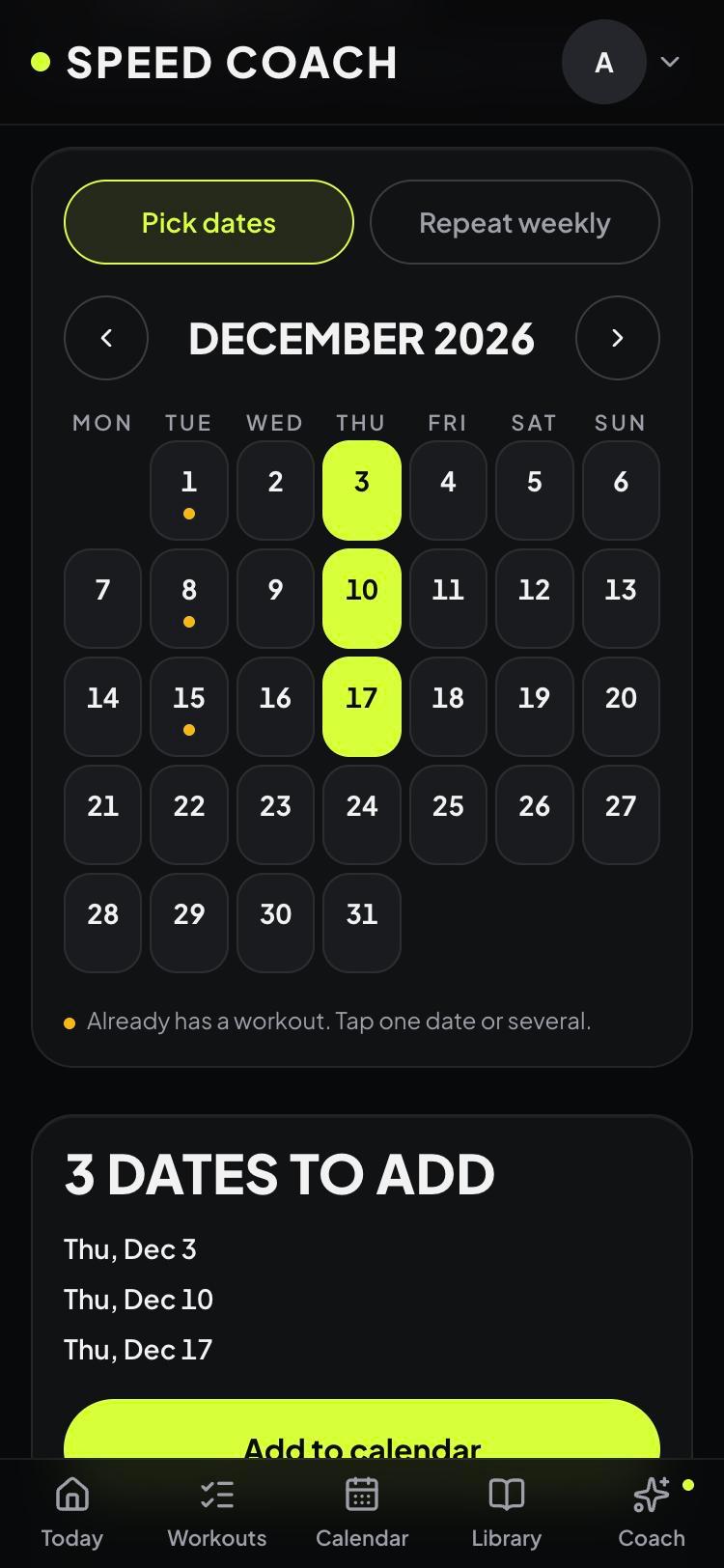
Choose dates on a calendar, or repeat weekly on the days you train, for up to 12 weeks. You can skip days that are already booked, and undo what you just added.
Create a free account, link Speediance and open Workouts, then New workout.
Keep reading
- Coach
“My shoulder’s cranky.” Now your workout can listen
Say what’s wrong in plain words and let your coach reshape the session on your Speediance.Manik · · 3 min read
- Meet Speed Coach
Your Gym Monster just got a coach
You own a brilliant machine. The hard part is deciding what to do on it tomorrow.Manik · · 3 min read
- Recovery
Should you train chest today? Check before you load the bar
Your memory says that session was ages ago. Your recovery map may disagree.Manik · · 3 min read